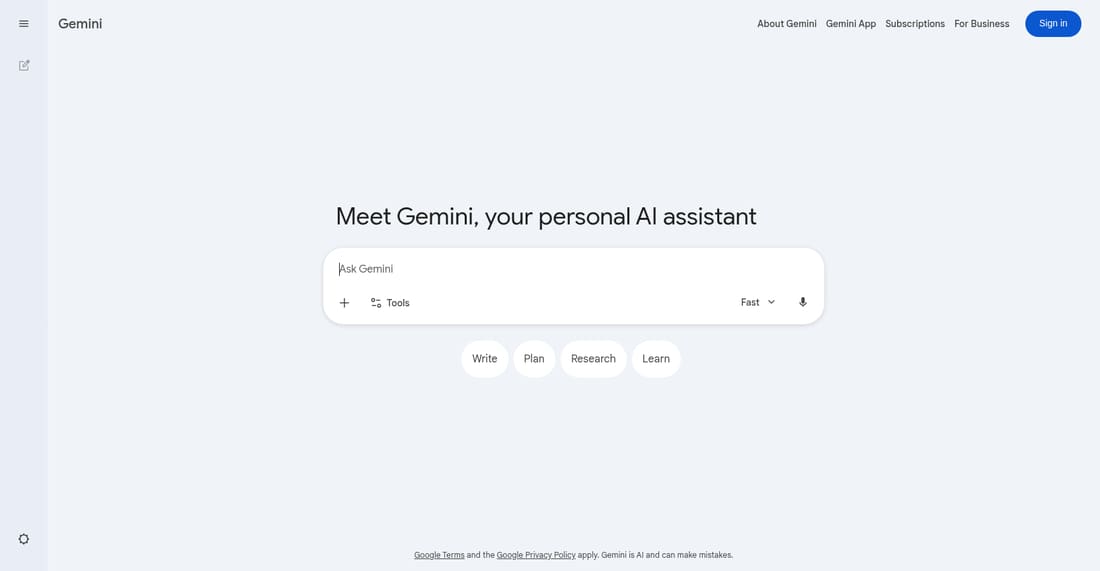
Notebooks in Gemini is a feature within Google's Gemini AI assistant that allows users to save, organize, and revisit their chat conversations. It transforms ephemeral chats into a structured, persistent knowledge base, helping users manage ideas, research notes, and plans efficiently.
Free
How to use Notebooks in Gemini?
Sign in with your Google account to start using Notebooks. During any conversation with the Gemini AI assistant, you can save the chat to a notebook. This creates a persistent record you can categorize, search through, and reference later for projects, learning, or planning, turning casual AI interactions into organized knowledge.
Notebooks in Gemini 's Core Features
Persistent Chat Storage: Automatically saves your Gemini conversations, preventing loss of valuable ideas and information discussed with the AI.
Organization & Categorization: Allows users to create multiple notebooks or categorize saved chats for easy retrieval and project management.
Search Functionality: Enables quick searching through past conversations and saved notes to find specific information or ideas.
Seamless Integration: Works directly within the Gemini AI interface, providing a smooth workflow from conversation to documentation.
Knowledge Base Creation: Helps build a personal or professional knowledge repository from interactions with a powerful AI assistant.
Cross-Device Access: Saved notebooks are synced and accessible wherever you are signed into your Google account with Gemini.
Notebooks in Gemini 's Use Cases
Students & Researchers: Save complex Q&A sessions with Gemini for later review, creating a study guide or literature review notes.
Content Creators & Writers: Store brainstorming sessions, draft outlines, and research snippets from Gemini to streamline the content creation process.
Project Managers: Document planning discussions, task breakdowns, and meeting summaries generated with AI for ongoing project reference.
Professionals & Consultants: Keep a record of problem-solving sessions, data analysis queries, and strategic advice received from the AI assistant.
Lifelong Learners: Maintain a curated log of explanations, tutorials, and new concepts explored with Gemini to track learning progress.