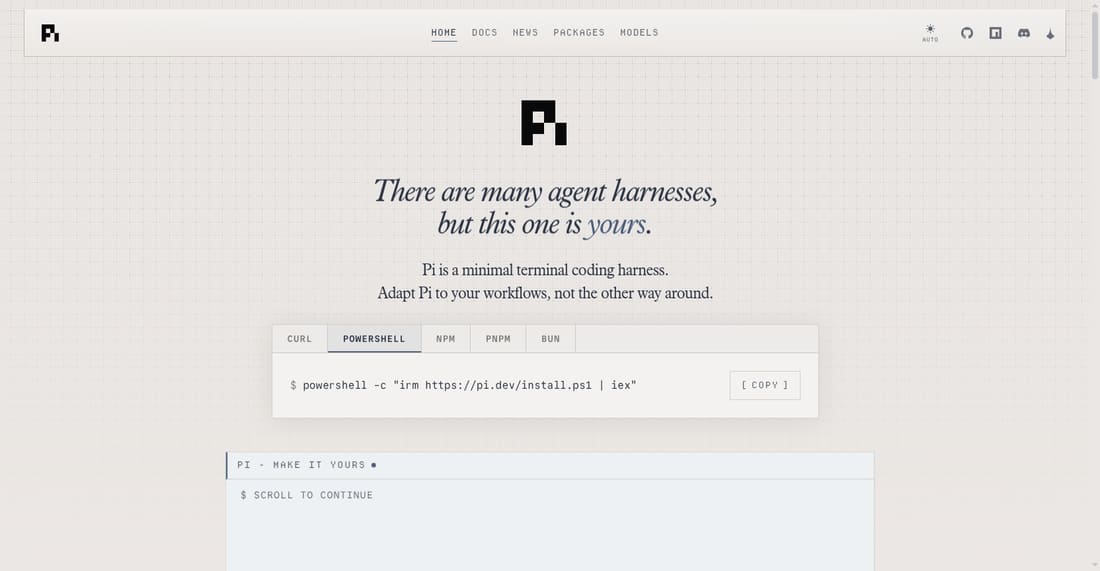
Pi is a minimal, extensible terminal coding harness. It lets you customize workflows via extensions, skills, and prompts, supports 15+ AI providers, and offers tree-structured session history. Adapt Pi to your needs, not the other way around.
Free
How to use Pi Coding Agent?
Install Pi via a single command, then use its interactive terminal UI to code with AI assistance. Customize with extensions, skills, and prompt templates. Switch between modes (interactive, print, RPC, SDK) and providers like Anthropic or OpenAI. Steer or follow up on agent actions.
Pi Coding Agent 's Core Features
Minimal terminal coding harness that you adapt to your workflows, not the reverse. Customize with extensions, skills, prompts, and themes, bundled as shareable packages.
Supports 15+ providers including Anthropic, OpenAI, Google, Azure, and local models via Ollama. Switch models mid-session with simple commands.
Tree-structured session history for easy navigation and branching. Export to HTML or share via GitHub gist with a rendered URL.
Context engineering with AGENTS.md, SYSTEM.md, compaction, skills, and prompt templates. Control what goes into the context window.
Four modes: interactive TUI, print/JSON for scripts, RPC for non-Node integrations, and SDK for embedding in apps.
Extensible via TypeScript modules. Build sub-agents, plan mode, permission gates, MCP integration, and more. Install packages from npm or git.
Pi Coding Agent 's Use Cases
Developers wanting a customizable AI coding assistant that fits their existing terminal workflow without forcing a new paradigm.
Teams needing a shared, extensible coding harness with support for multiple AI providers and custom extensions.
Power users who want to engineer context precisely for AI coding sessions, controlling prompts and history.
Developers building custom AI tools or integrations, leveraging Pi's RPC and SDK modes for embedding.
Open-source enthusiasts who want to fork, modify, and share their own coding agent packages with the community.