AI Image Upscaler
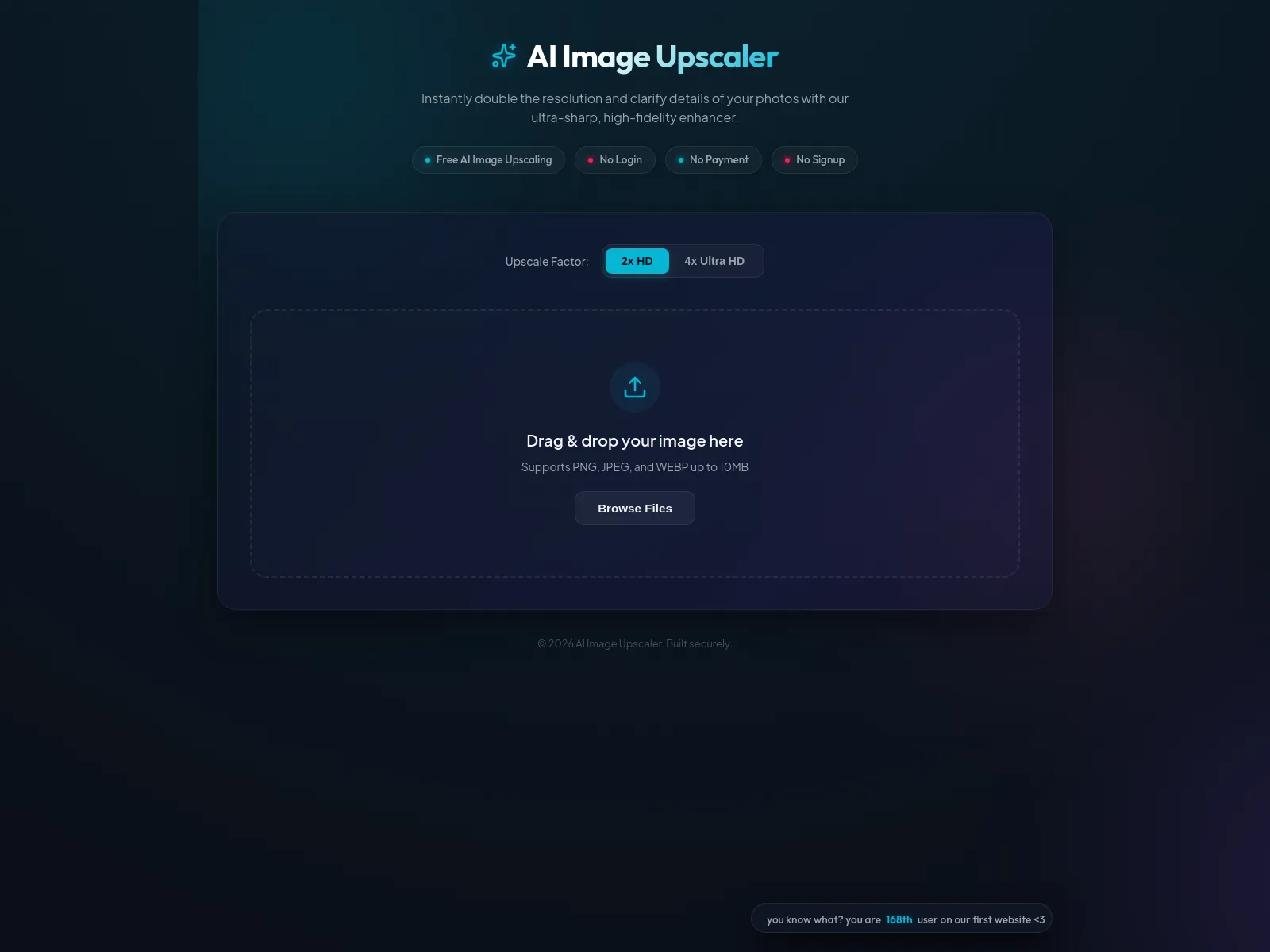
Double or quadruple image resolution instantly with this secure, client-side AI enhancer using WebGPU.
Enhance and clarify photo details with ultra-sharp, high-fidelity AI upscaling. This tool processes images 100% locally in your browser via WebGPU, ensuring zero server uploads and complete privacy. It supports PNG, JPEG, and WEBP formats up to 10MB.
Free
How to use AI Image Upscaler?
Simply drag and drop your image file (PNG, JPEG, WEBP up to 10MB) directly into the browser window. The AI Image Upscaler will automatically process the image, doubling or quadrupling its resolution without any server uploads, ensuring your privacy and fast results.
AI Image Upscaler 's Core Features
AI Image Upscaler 's Use Cases
AI Image Upscaler 's FAQ
Most impacted jobs
Photographer
Graphic Designer
E-commerce Store Owner
Web Developer
Content Creator
Archivist