CrowForge
All-in-one desktop AI workspace for creative teams, featuring chat, documents, sheets, canvas, and project management.
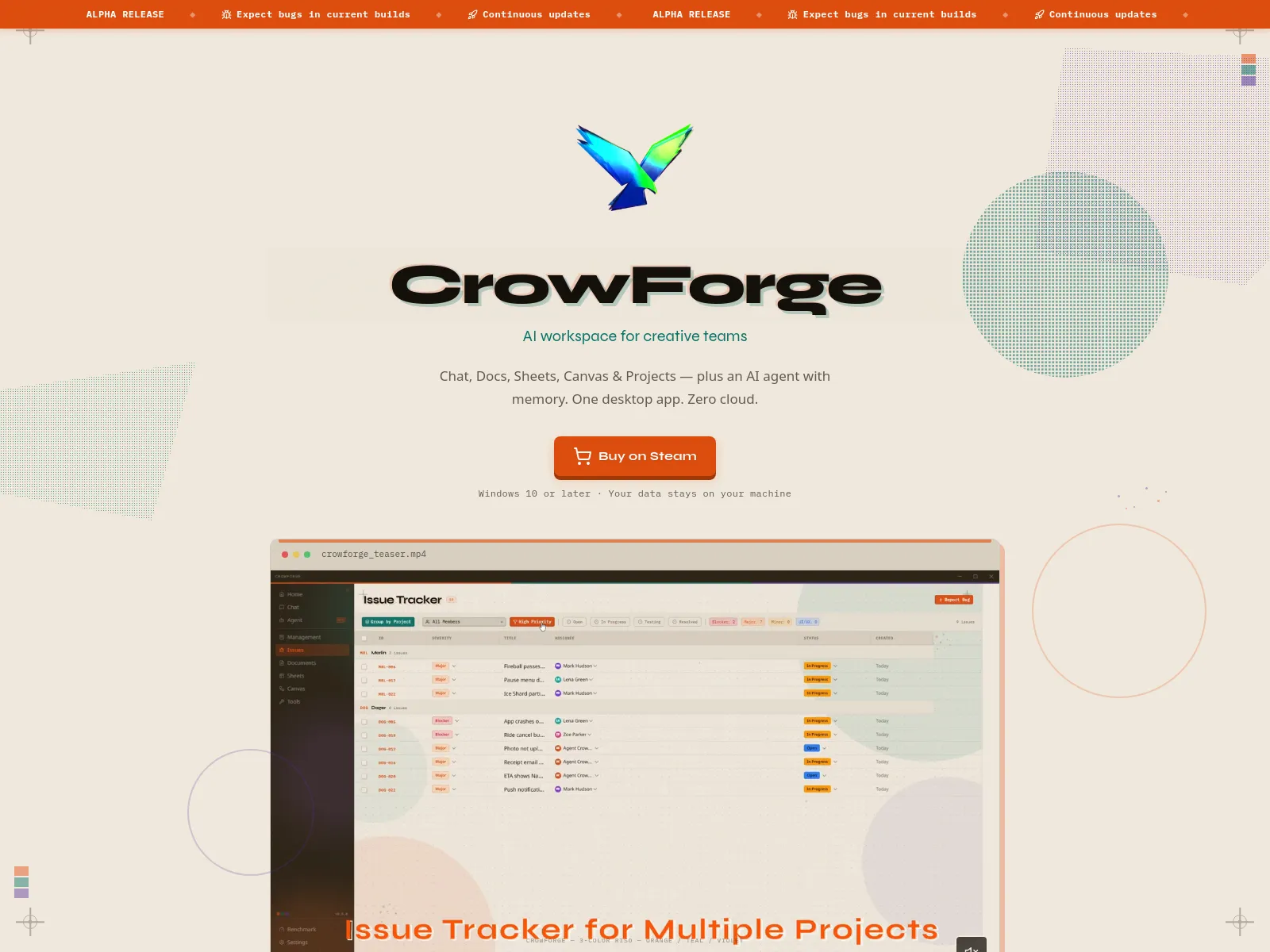
CrowForge is a local-first, privacy-focused desktop AI workspace designed for creative teams. It integrates chat, document editing, spreadsheets, a node-based canvas, and project management tools. The platform emphasizes data privacy with no cloud requirement, allowing users to run AI models locally and manage projects offline.
Paid
How to use CrowForge?
Download and install CrowForge on your Windows machine. Launch the application to access its integrated tools, including AI chat, document editor, spreadsheets, and canvas. Utilize the Agent Crowner for AI-assisted tasks, manage projects with built-in Scrum tools, and download local AI models from the Model Gallery. All features are accessible offline.
CrowForge 's Core Features
CrowForge 's Use Cases
CrowForge 's FAQ
Most impacted jobs
Creative Teams
Game Developers
VFX Artists
Project Managers
Content Creators
Designers
Writers
CrowForge 's Tags
#AI Workspace#Local-first#Desktop App#Privacy#Creative Teams#Project Management#AI Chat#Productivity