
Qursor
Point at any UI element to copy structured, code-aware context for your AI coding assistant.
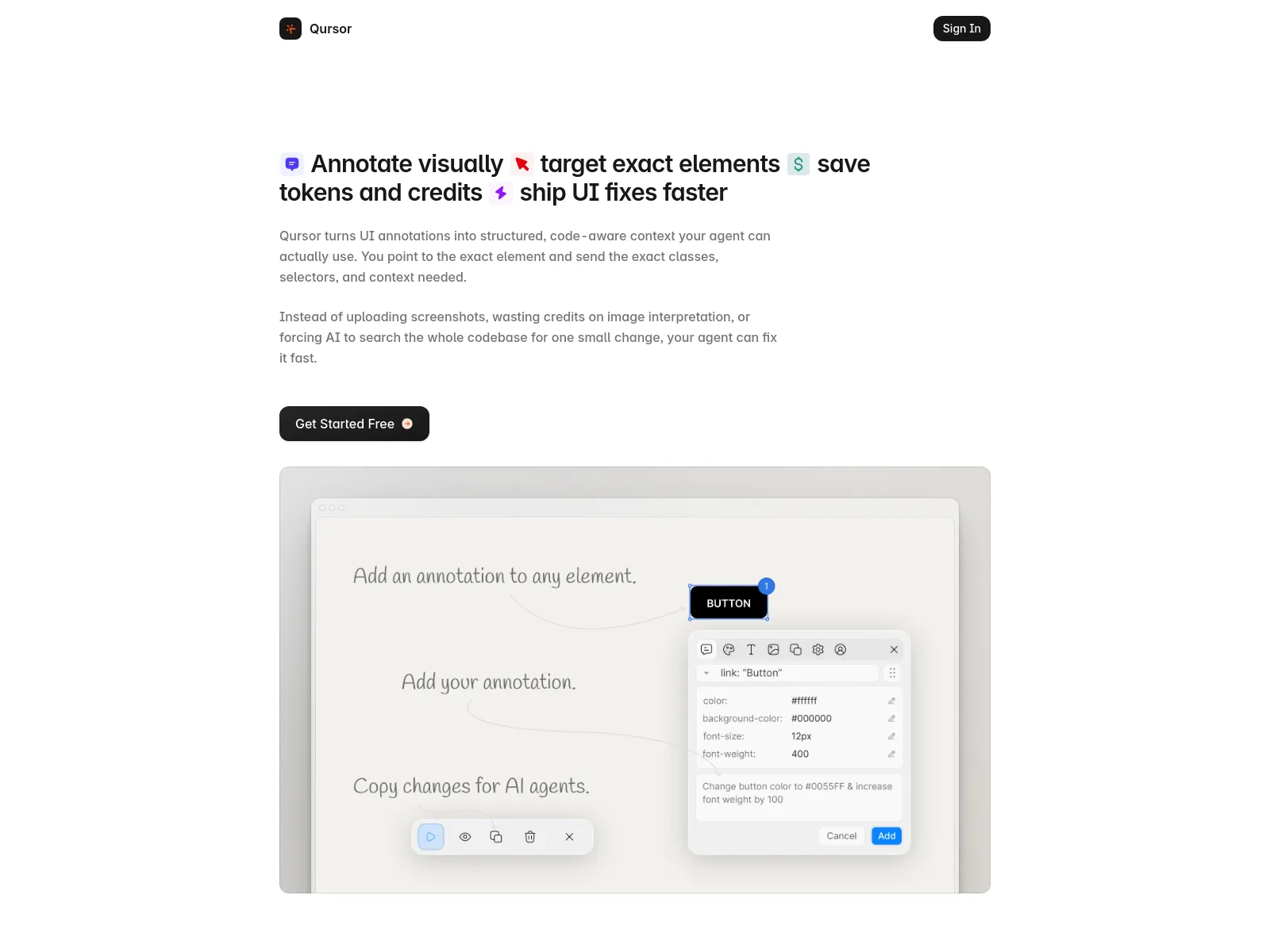
Qursor is a Chrome extension that lets you visually inspect any website, point at exact UI elements, and copy clean, structured code-aware context for your AI coding assistant. It helps you see fonts, colors, spacing, assets, and components, then copy everything you need to make or automate UI changes faster.
Freemium
29
How to use Qursor?
Install the Chrome extension, pin it to your toolbar, and open any website. Click the Qursor bubble to launch the tool. Hover over elements to inspect them, click to select, and then copy the structured context. This context can be used directly in AI prompts for faster and more accurate code generation or UI fixes.
Qursor 's Core Features
Qursor 's Use Cases
Qursor 's Pricing
Free
$0
Free, forever. Includes 3 picks everyday, comment on anything, colour picker, font detect, assets download, copy components.
Yearly
$29
Pay once yearly. Includes unlimited picks, comment on anything, colour picker, font detect, assets download, copy components.
Lifetime
$39
Pay once own forever. Includes unlimited picks, comment on anything, colour picker, font detect, assets download, copy components.
Qursor 's FAQ
Most impacted jobs
Developer
Designer
Product Manager
Frontend Engineer
UI/UX Designer
Web Developer
Qursor 's Tags
#AI Coding#Developer Tools#Chrome Extension#UI Inspection#Frontend Development#Code Generation#Design Handoff#Productivity