Palmier is an autonomous AI software engineering assistant designed to accelerate development by working on multiple tasks simultaneously. It offers intelligent code generation and review, enabling developers to write features, fix bugs, and automate code-review & bug triage, thereby increasing shipping speed by up to 40%. Palmier integrates with GitHub and Slack, allowing for the creation of custom automations that fit exact workflows. It ensures security and privacy by not storing code on its servers, running each agent in an isolated sandbox, and never using code to train AI models.
Freemium
$30/mo
How to use Palmier?
Palmier can be integrated with GitHub to trigger AI agents from GitHub events, automating tasks such as code reviews, bug fixes, and documentation writing. Developers can connect a GitHub event to any AI agent, choose triggers like PR events or issues, and select agents for code review, generating docs, or writing tests. This setup allows for the automation of workflows, saving hours every week with intelligent automation. Palmier's parallel execution feature enables unlimited parallel runs, making it possible to automate everything from code reviews to security scans.
Palmier 's Core Features
Autonomous AI Assistance: Palmier acts as an autonomous AI software engineering assistant, capable of handling multiple tasks simultaneously, from writing features to fixing bugs, without human intervention.
Intelligent Code Generation and Review: Leverages AI to generate code and review pull requests, significantly reducing review latency by 45% and ensuring merge-ready PRs.
Parallel Execution: Supports unlimited parallel runs, allowing teams to automate numerous tasks simultaneously, enhancing productivity and efficiency.
Custom Agents: Offers the ability to create custom agents for specific tasks such as writing documentation and changelogs automatically, tailored to fit exact workflow needs.
Security and Privacy: Ensures code privacy and security by not storing code on servers, running each agent in an isolated sandbox, and never using code to train AI models.
Palmier 's Use Cases
For Development Teams: Development teams can use Palmier to automate code reviews and bug triage, reducing the time spent on these tasks by up to 40%. This allows teams to focus on more critical aspects of development, accelerating the overall project timeline.
For Solo Developers: Solo developers can leverage Palmier to act as a virtual team member, assisting with code generation, documentation, and bug fixes, enabling them to manage larger projects more effectively.
For Startups: Startups can utilize Palmier to automate their development workflows, allowing them to ship features faster without the need to increase headcount, optimizing resources and budget.
For Enterprises: Large enterprises can benefit from Palmier's enterprise plan, which offers custom integrations, self-hosting options, and dedicated support, ensuring scalability and security for large-scale projects.
For Open Source Projects: Open source projects can use Palmier to automate code reviews and contributions, streamlining the collaboration process and ensuring high-quality code submissions.
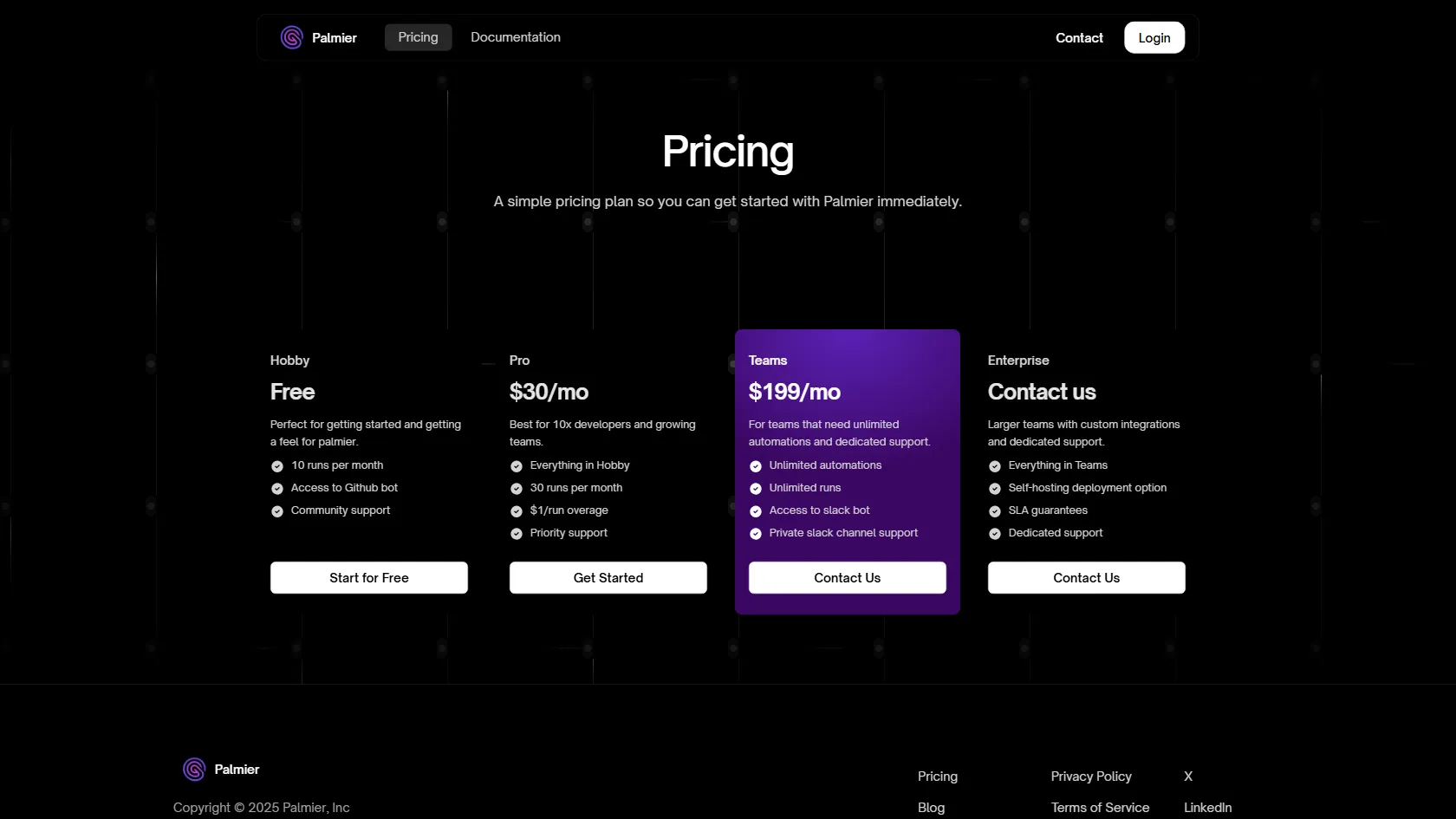
Palmier 's Pricing
Hobby
Free
Perfect for getting started and getting a feel for palmier. Includes 10 runs per month, access to Github bot, and community support.
Pro
$30/mo
Best for 10x developers and growing teams. Includes everything in Hobby, 30 runs per month, $1/run overage, and priority support.
Teams
$199/mo
For teams that need unlimited automations and dedicated support. Includes unlimited automations, unlimited runs, access to slack bot, and private slack channel support.
Enterprise
Contact us
Larger teams with custom integrations and dedicated support. Includes everything in Teams, self-hosting deployment option, SLA guarantees, and dedicated support.