
SlimSnap
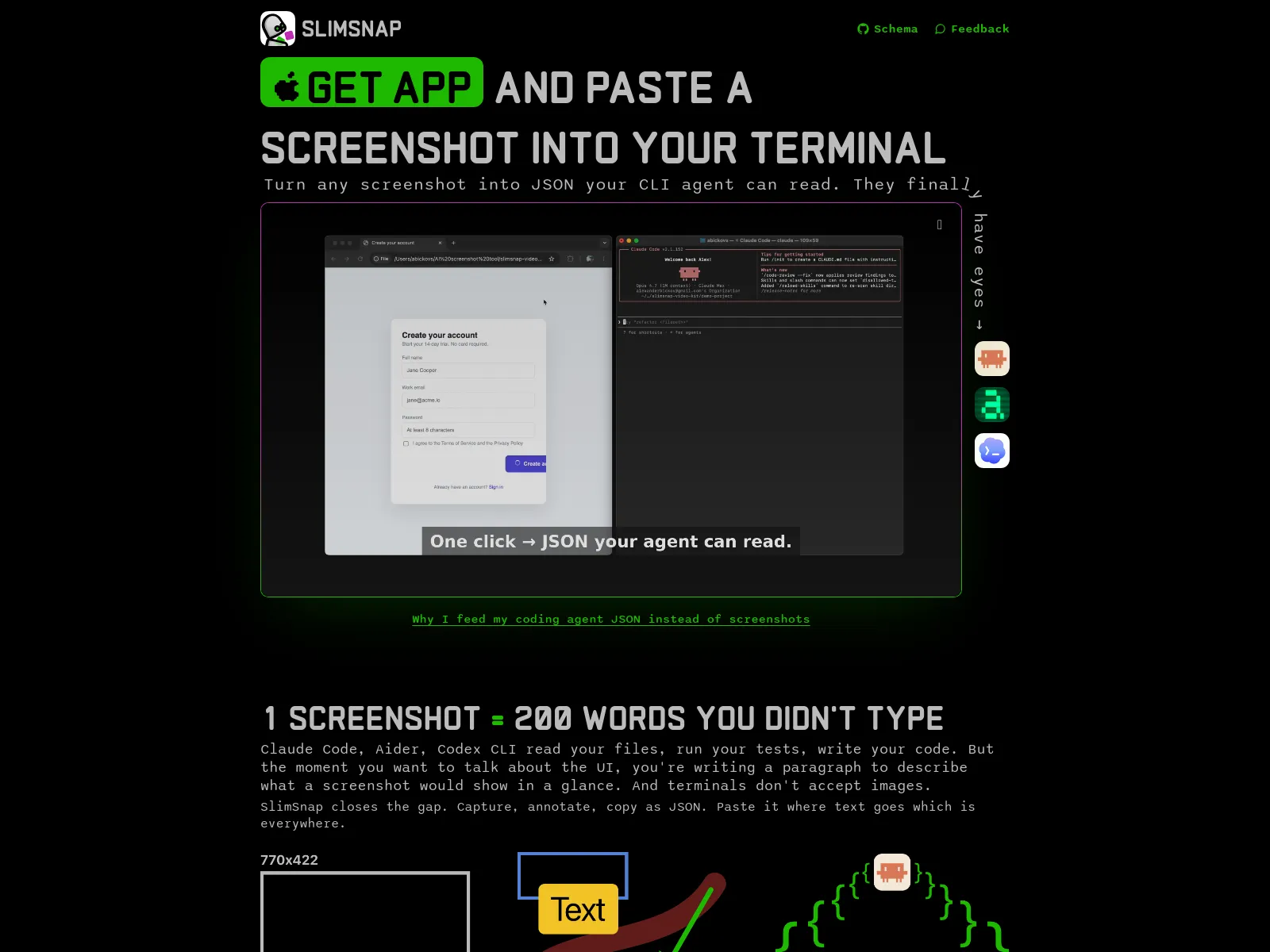
Turn any screenshot into JSON your CLI agent can read. They finally have eyes.
SlimSnap transforms screenshots into structured JSON, enabling CLI agents like Claude Code, Aider, and Codex CLI to interpret visual information. It allows users to capture, annotate, and convert any screen area into machine-readable JSON, bridging the gap between visual interfaces and text-based terminal environments. This tool reduces token usage and enhances agent capabilities.
Free
How to use SlimSnap?
Capture any part of your screen using a keyboard shortcut (⌘⇧S). Use annotation tools like arrows and callouts to highlight specific elements. With a single click, convert the annotated screenshot into JSON format. This JSON can then be pasted directly into your terminal or integrated with AI coding assistants for analysis and action.
SlimSnap 's Core Features
SlimSnap 's Use Cases
SlimSnap 's FAQ
Most impacted jobs
Software Developer
AI Engineer
Product Manager
UX Designer
DevOps Engineer
Technical Writer